The Ultimate Guide to Choosing the Best Trader Laptop in 2024
In the fast-paced world of financial markets, having the right tools can make all the difference. For traders, a reliable and high-performing trader laptop is not just a convenience; it’s a necessity. This guide will walk you through the key considerations when selecting the best trader laptop to maximize your efficiency and profitability. Whether you’re a day trader, swing trader, or long-term investor, the right trader laptop can significantly impact your trading performance. Investing in a quality trader laptop is an investment in your success.
Why a Dedicated Trader Laptop Matters
While any laptop can technically access trading platforms, a trader laptop is specifically configured and equipped to handle the demanding requirements of trading. These requirements include:
- Multiple Monitors: Traders often need to monitor multiple charts, news feeds, and order books simultaneously. A trader laptop should support multiple external displays.
- Processing Power: Real-time data analysis and rapid order execution require a powerful processor. Lagging can mean missed opportunities or costly errors.
- Reliability: System crashes or slowdowns during critical trading hours are unacceptable. A trader laptop needs to be stable and dependable.
- Portability: Many traders need to be able to trade from anywhere – home, office, or while traveling. A trader laptop offers the flexibility to trade on the go.
Therefore, choosing the right trader laptop is crucial for maintaining a competitive edge. [See also: How to Build a Trading PC]
Key Specifications to Consider
Processor (CPU)
The CPU is the brain of your trader laptop. For trading, you’ll want a processor that can handle multiple applications and data streams without slowing down. Look for:
- Intel Core i5 or i7 (8th generation or newer): These processors offer a good balance of performance and power efficiency. Newer generations (11th, 12th, or 13th) are generally better.
- AMD Ryzen 5 or Ryzen 7: AMD’s Ryzen processors are also excellent choices, offering comparable or even better performance than Intel in some cases.
- Clock Speed: A higher clock speed (measured in GHz) generally means faster processing. Aim for at least 3.0 GHz, but turbo boost speeds can be even more important.
- Cores and Threads: More cores and threads allow the CPU to handle more tasks simultaneously. A quad-core processor with eight threads is a good starting point.
The processor is critical for analyzing market data and executing trades quickly, making it a core component of your trader laptop.
Memory (RAM)
RAM is where your trader laptop stores data that it’s actively using. Insufficient RAM can lead to slowdowns and crashes. Consider the following:
- Minimum 16GB: 16GB of RAM is generally sufficient for most trading applications.
- 32GB or More: If you run many applications simultaneously or work with large datasets, 32GB of RAM is recommended.
- DDR4 or DDR5: DDR4 is the current standard, but DDR5 is becoming more common and offers faster speeds. Check what your laptop’s motherboard supports.
- Speed: Faster RAM speeds can improve performance, but the difference may not be noticeable in all applications.
Sufficient RAM ensures your trader laptop can handle multiple trading platforms, charts, and news feeds without performance issues.
Storage (SSD)
Solid-state drives (SSDs) are significantly faster than traditional hard disk drives (HDDs). They provide quicker boot times, faster application loading, and snappier overall performance. For a trader laptop, an SSD is essential:
- SSD Type: NVMe SSDs are the fastest type of SSD, offering significantly better performance than SATA SSDs.
- Capacity: A 512GB SSD is a good starting point, but 1TB or more is recommended if you plan to store large amounts of data or install many applications.
- Read/Write Speeds: Look for SSDs with high read and write speeds, as this will impact how quickly your laptop can access and store data.
A fast SSD is crucial for rapid data access and quick application loading, which are vital for a trader laptop.
Graphics Card (GPU)
While a dedicated graphics card isn’t strictly necessary for all trading activities, it can be beneficial, especially if you’re using multiple monitors or running graphically intensive applications. Consider:
- Integrated Graphics: Many modern CPUs come with integrated graphics that are sufficient for basic trading tasks.
- Dedicated GPU (Optional): If you plan to use multiple high-resolution monitors or run advanced charting software, a dedicated GPU can improve performance. NVIDIA GeForce or AMD Radeon cards are good choices.
- VRAM: If you opt for a dedicated GPU, look for one with at least 4GB of VRAM.
A suitable graphics card enhances the visual experience and ensures smooth performance when using a trader laptop with multiple displays.
Display
The display is your window into the market. Key considerations include:
- Size: A 15-inch or 17-inch display is generally preferred for trading.
- Resolution: Full HD (1920×1080) is the minimum resolution you should consider. QHD (2560×1440) or 4K (3840×2160) displays offer sharper images and more screen real estate.
- Panel Type: IPS panels offer better viewing angles and color accuracy than TN panels.
- Brightness: A brighter display is easier to see in various lighting conditions.
- External Monitor Support: Ensure the laptop has enough ports (HDMI, DisplayPort, USB-C) to connect multiple external monitors.
A high-quality display is essential for comfortable and accurate data analysis on your trader laptop.
Ports and Connectivity
Having the right ports is crucial for connecting external monitors, peripherals, and other devices. Look for:
- USB Ports: Multiple USB ports (both USB-A and USB-C) for connecting peripherals.
- HDMI and DisplayPort: Essential for connecting external monitors.
- Ethernet Port: A wired Ethernet connection provides a more stable and reliable internet connection than Wi-Fi.
- Thunderbolt Ports (Optional): Thunderbolt ports offer high-speed data transfer and can be used to connect external displays and other devices.
- Headphone Jack: For audio output.
- Wi-Fi: 802.11ax (Wi-Fi 6) is the latest standard, offering faster speeds and better performance than older standards.
- Bluetooth: For connecting wireless peripherals.
Sufficient ports and reliable connectivity are crucial for a seamless trading experience with your trader laptop.
Battery Life
While you’ll likely be plugged in most of the time, having decent battery life can be useful for trading on the go or during power outages. Look for:
- At Least 6 Hours: Aim for a trader laptop that can provide at least 6 hours of battery life under moderate usage.
- Battery Capacity: Higher battery capacity (measured in Wh) generally means longer battery life.
- Power Saving Modes: Utilize power saving modes to extend battery life when needed.
Decent battery life adds flexibility to your trading setup and ensures you’re not tethered to a power outlet at all times when using a trader laptop.
Operating System
The two main operating systems to consider are Windows and macOS. Windows is the most popular choice for trading, as it offers the widest compatibility with trading platforms and software. macOS is also a viable option, but some trading platforms may not be available or fully optimized for macOS. Linux can also be used, but it’s generally not recommended for beginners.
Build Quality and Durability
A trader laptop is an investment, so you’ll want one that’s built to last. Look for:
- Sturdy Construction: Choose a laptop with a solid chassis that can withstand daily wear and tear.
- Keyboard Quality: A comfortable and responsive keyboard is essential for long trading sessions.
- Trackpad Quality: A precise and responsive trackpad can be useful when you don’t have a mouse.
- Cooling System: A good cooling system is essential for preventing overheating and maintaining performance under heavy load.
Top Trader Laptop Recommendations for 2024
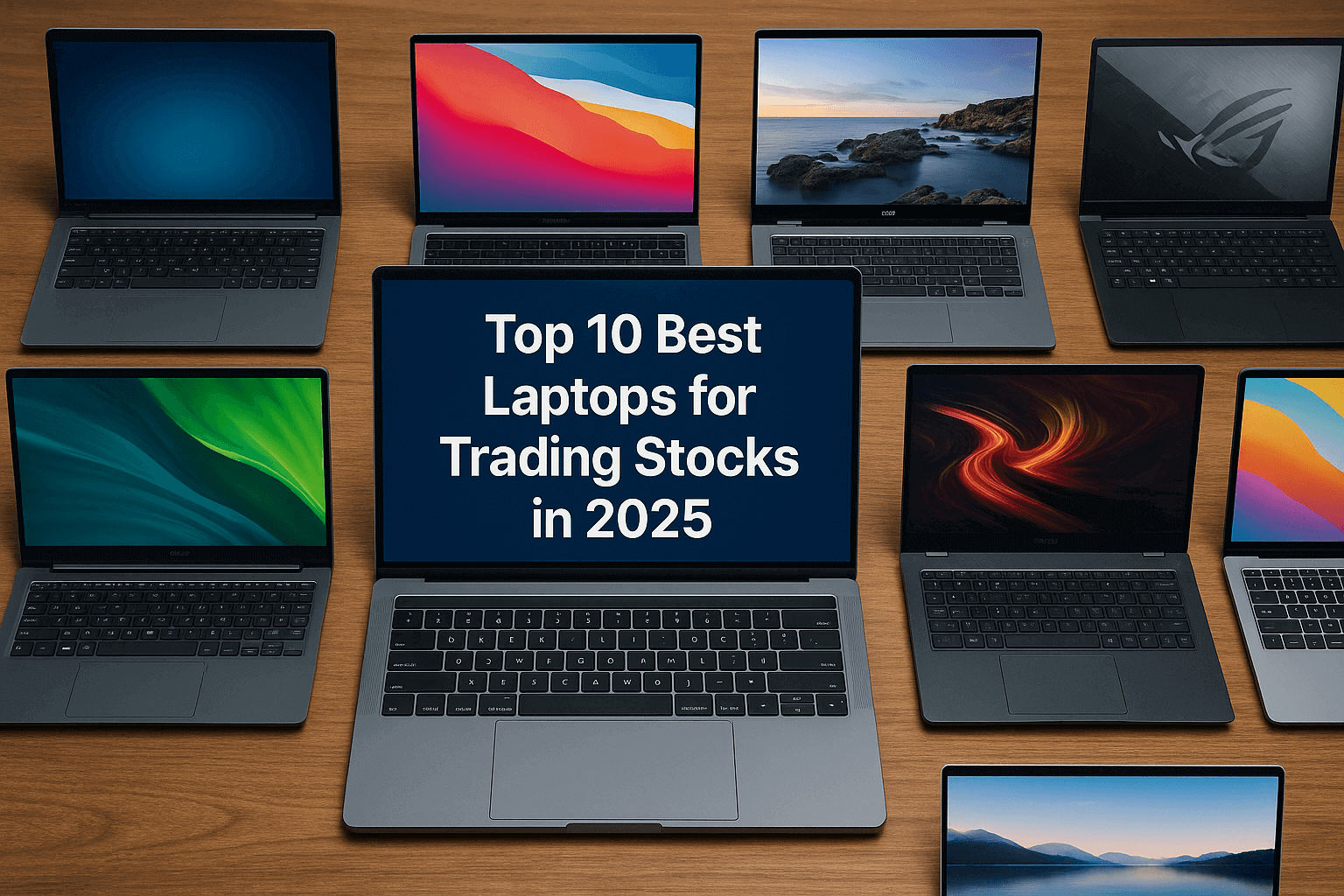
While the best trader laptop for you will depend on your specific needs and budget, here are some top recommendations:
- Dell XPS 15 or 17: Known for their excellent performance, high-quality displays, and sleek design.
- MacBook Pro 14-inch or 16-inch: A great choice for macOS users, offering powerful performance and long battery life.
- Lenovo ThinkPad X1 Extreme: A durable and reliable laptop with excellent performance and a comfortable keyboard.
- HP Spectre x360: A versatile 2-in-1 laptop with a beautiful display and long battery life.
- ASUS ROG Zephyrus: A powerful gaming laptop that can also be used for trading, offering excellent performance and a high refresh rate display.
Tips for Optimizing Your Trader Laptop
Once you’ve chosen your trader laptop, here are some tips for optimizing its performance:
- Keep Your Software Up to Date: Regularly update your operating system, drivers, and trading platforms to ensure you have the latest features and security patches.
- Close Unnecessary Applications: Close any applications that you’re not using to free up system resources.
- Disable Startup Programs: Disable unnecessary programs from starting automatically to improve boot times.
- Use an SSD Optimizer: Use an SSD optimizer to maintain the performance of your SSD.
- Monitor Your System Resources: Use Task Manager (Windows) or Activity Monitor (macOS) to monitor your CPU, RAM, and disk usage.
- Invest in a Laptop Cooler: A laptop cooler can help prevent overheating and maintain performance under heavy load.
- Regularly Back Up Your Data: Back up your important data regularly to prevent data loss in case of system failure.
Conclusion
Choosing the right trader laptop is a crucial investment for any serious trader. By considering the key specifications outlined in this guide, you can select a trader laptop that meets your specific needs and helps you maximize your trading performance. Remember to prioritize processing power, RAM, storage, display quality, and connectivity. With the right trader laptop, you’ll be well-equipped to navigate the complexities of the financial markets and achieve your trading goals. Finally, remember to properly maintain your trader laptop to ensure optimal performance and longevity. [See also: Best Monitors for Day Trading]
