The Ultimate Guide to Choosing the Best Laptop Computer for Stock Trading in 2024
For stock traders, a reliable and high-performing laptop is more than just a tool; it’s the gateway to the market. The right laptop can significantly impact your trading efficiency, allowing you to analyze data, execute trades, and monitor market movements in real-time. Selecting the best laptop computer for stock trading involves considering several factors, from processing power and memory to screen quality and portability. This comprehensive guide will walk you through everything you need to know to make an informed decision and find the perfect laptop to elevate your trading game.
Understanding the Key Requirements for a Trading Laptop
Before diving into specific models, it’s crucial to understand the core features that make a laptop suitable for stock trading. These include:
- Processing Power: A powerful CPU is essential for handling complex calculations, running multiple trading platforms, and processing large datasets.
- RAM (Random Access Memory): Sufficient RAM ensures smooth multitasking and prevents slowdowns when running multiple applications simultaneously.
- Storage: Fast storage, like an SSD (Solid State Drive), is crucial for quick boot times and rapid data access.
- Display Quality: A high-resolution display with accurate color representation is important for detailed chart analysis and comfortable viewing over extended periods.
- Connectivity: Multiple ports, including USB, HDMI, and Thunderbolt, are necessary for connecting external monitors and other peripherals.
- Battery Life: Long battery life is essential for traders who need to work on the go or during power outages.
- Reliability: A durable and well-built laptop is crucial for withstanding the demands of daily trading.
Top Laptop Recommendations for Stock Trading
Based on the criteria above, here are some of the best laptop computer options for stock trading currently available:
Apple MacBook Pro (14-inch or 16-inch)
The MacBook Pro, particularly the 14-inch and 16-inch models with Apple’s M series chips (M2 Pro, M3 Max), are excellent choices for traders. The M series chips offer exceptional performance and power efficiency. The stunning Retina displays provide accurate color representation and sharp details, crucial for analyzing charts and market data. MacOS offers a stable and secure environment. The build quality is top-notch, ensuring longevity. The MacBook Pro is often considered the best laptop computer for stock trading by many professionals.
- Pros: Exceptional performance, stunning display, long battery life, robust build quality, excellent security.
- Cons: Higher price point, MacOS may require some adjustment for Windows users.
Dell XPS 15 or 17
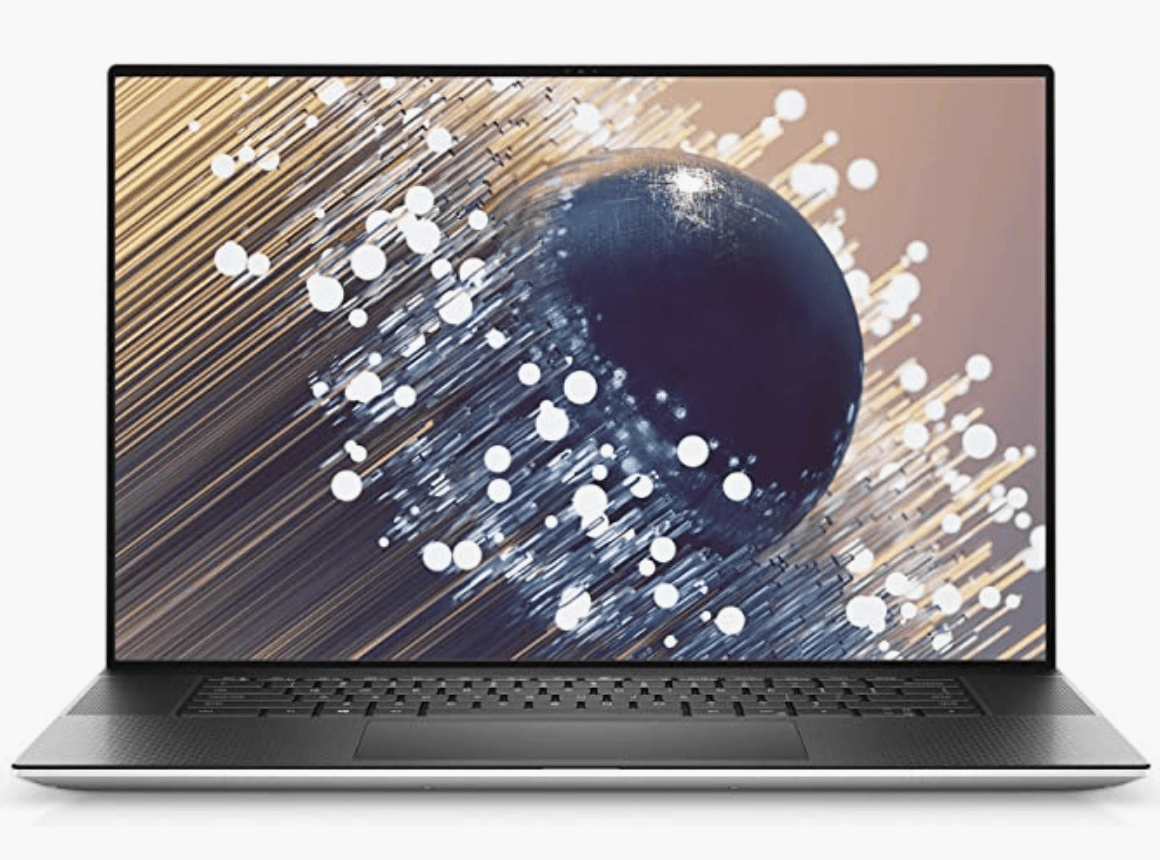
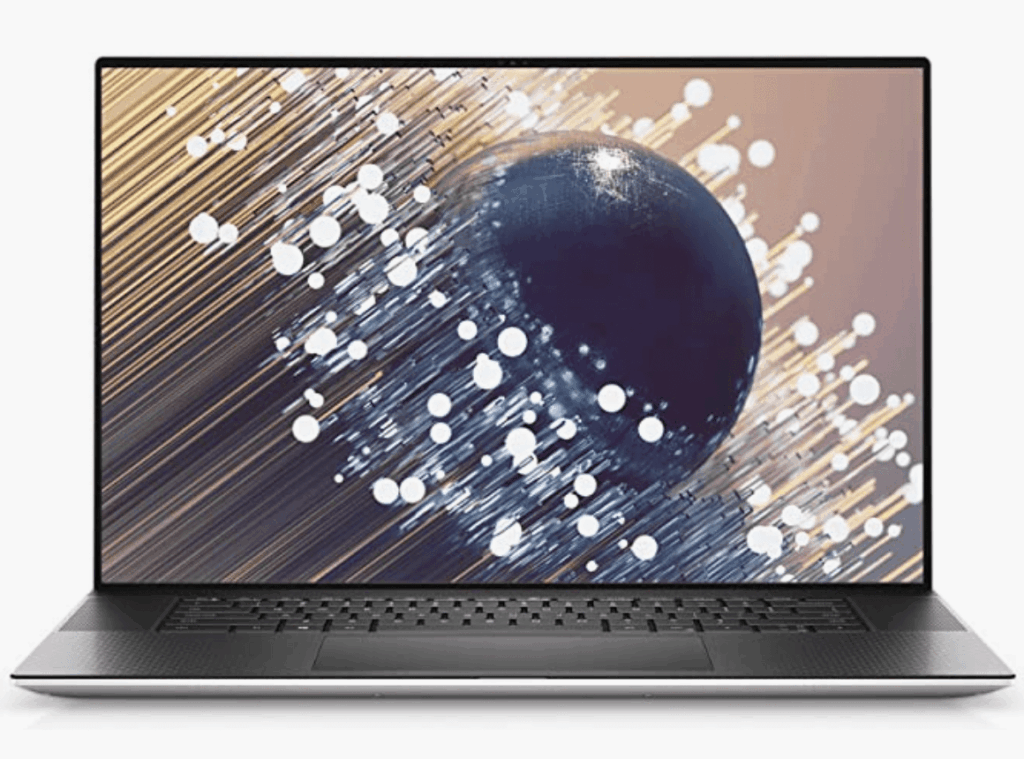
The Dell XPS series is known for its sleek design, powerful performance, and stunning displays. The XPS 15 and 17 models, equipped with Intel Core i7 or i9 processors and dedicated NVIDIA GeForce graphics, provide ample power for running multiple trading platforms and analyzing complex data. The near-borderless displays offer an immersive viewing experience. Dell’s support and reliability are also strong selling points. This is a strong contender for the best laptop computer for stock trading, especially if you prefer Windows.
- Pros: Powerful performance, stunning display, sleek design, excellent build quality.
- Cons: Can be expensive, battery life can vary depending on configuration.
Microsoft Surface Laptop Studio
The Microsoft Surface Laptop Studio is a unique and versatile laptop that can be used in multiple modes, including laptop, stage, and studio. It features powerful Intel Core i7 processors and dedicated NVIDIA GeForce RTX graphics, making it suitable for demanding trading tasks. The high-resolution PixelSense display is vibrant and accurate, and the innovative hinge design allows for flexible viewing angles. The Surface Laptop Studio is a great option for traders who value versatility and a unique user experience.
- Pros: Versatile design, powerful performance, vibrant display, excellent build quality.
- Cons: Relatively expensive, battery life could be better.
HP Spectre x360
The HP Spectre x360 is a premium 2-in-1 laptop that offers a blend of performance, portability, and versatility. It features powerful Intel Core i7 processors, ample RAM, and fast SSD storage. The 360-degree hinge allows you to use it as a laptop, tablet, or in tent mode. The display is bright and vibrant, making it suitable for analyzing charts and market data. HP’s Spectre series is known for its premium design and features, making it a stylish and functional choice for traders.
- Pros: Versatile 2-in-1 design, powerful performance, vibrant display, premium design.
- Cons: Can be expensive, battery life can vary depending on usage.
Lenovo ThinkPad X1 Carbon
The Lenovo ThinkPad X1 Carbon is a lightweight and durable laptop that is designed for business professionals. It features powerful Intel Core i7 processors, ample RAM, and fast SSD storage. The ThinkPad X1 Carbon is known for its excellent keyboard, robust build quality, and long battery life. It is a reliable and practical choice for traders who need a laptop that can withstand the rigors of daily use. The ThinkPad series is often praised for its reliability, making it a solid choice as the best laptop computer for stock trading from a dependability perspective.
- Pros: Lightweight and durable, excellent keyboard, long battery life, reliable performance.
- Cons: Design is more utilitarian than stylish.
Detailed Specifications and Considerations
When evaluating laptops for stock trading, consider these specific specifications:
- Processor: Aim for at least an Intel Core i5 or AMD Ryzen 5 processor. For more demanding tasks, an Intel Core i7 or i9, or an AMD Ryzen 7 or 9, is recommended.
- RAM: 16GB of RAM is the minimum recommended amount for smooth multitasking. 32GB or more is ideal for running multiple trading platforms and analyzing large datasets.
- Storage: A 512GB SSD is the minimum recommended size. A 1TB SSD or larger is ideal for storing large amounts of data and applications.
- Display: A 15-inch or 17-inch display with a resolution of 1920×1080 (Full HD) or higher is recommended. Look for displays with accurate color representation (100% sRGB or higher).
- Graphics Card: A dedicated graphics card (GPU) is not essential for stock trading, but it can improve performance when using certain trading platforms or analyzing complex charts.
- Connectivity: Ensure the laptop has sufficient USB ports, HDMI ports, and Thunderbolt ports for connecting external monitors and other peripherals.
- Operating System: Windows and macOS are both viable options. Choose the operating system that you are most comfortable with and that is compatible with your preferred trading platforms.
Setting Up Your Trading Laptop for Optimal Performance
Once you’ve chosen the best laptop computer for stock trading, optimize it for peak performance:
- Install Essential Software: Install your preferred trading platforms, charting software, and security software.
- Optimize System Settings: Adjust power settings for optimal performance. Disable unnecessary background processes and startup programs.
- Connect External Monitors: Use external monitors to create a multi-screen trading setup for enhanced productivity.
- Back Up Your Data: Regularly back up your important data to an external hard drive or cloud storage service.
- Keep Your System Updated: Keep your operating system and software updated to ensure optimal performance and security.
The Importance of a Reliable Internet Connection
A stable and fast internet connection is crucial for stock trading. Consider using a wired Ethernet connection for the most reliable performance. If you must use Wi-Fi, ensure you have a strong and stable signal. A backup internet connection, such as a mobile hotspot, can be useful in case of outages. The best laptop computer for stock trading is useless without connectivity.
Ergonomics and Comfort
Since traders often spend long hours in front of their laptops, ergonomics and comfort are important considerations. Use an external keyboard and mouse to improve your posture and reduce strain. Invest in a comfortable chair and adjust your monitor to the correct height. Taking regular breaks can also help prevent fatigue and improve focus.
Budget Considerations
The best laptop computer for stock trading can range in price from around $1000 to $4000 or more. Determine your budget before you start shopping and prioritize the features that are most important to you. Consider buying a refurbished or used laptop to save money. [See also: Best Budget-Friendly Laptops for Trading]
Additional Accessories for Stock Trading
In addition to a laptop, consider investing in these accessories to enhance your trading setup:
- External Monitors: Multiple monitors can significantly improve your productivity.
- External Keyboard and Mouse: An ergonomic keyboard and mouse can improve your comfort and reduce strain.
- Headphones: Noise-canceling headphones can help you focus on your trading activities.
- Laptop Stand: A laptop stand can improve your posture and reduce neck strain.
- Uninterruptible Power Supply (UPS): A UPS can provide backup power in case of a power outage.
Conclusion: Choosing the Right Laptop for Your Trading Needs
Selecting the best laptop computer for stock trading is a crucial decision that can significantly impact your trading performance. By considering the factors outlined in this guide, you can make an informed choice and find a laptop that meets your specific needs and budget. Whether you prioritize performance, portability, or versatility, there is a laptop out there that is perfect for you. Remember to prioritize processing power, RAM, storage, display quality, and connectivity when making your decision. With the right laptop, you can trade with confidence and efficiency.
